
Reseller Panel
Available for accounts in India.
The reseller panel is where you run your own messaging business on top of Splashify Pro. Your customers see your name, your logo and your domain, and you set the prices they pay.
You log in at panel.splashifypro.com. Your customers never see this panel. They use the app on your own domain (for example app.brightway.in) with your branding.
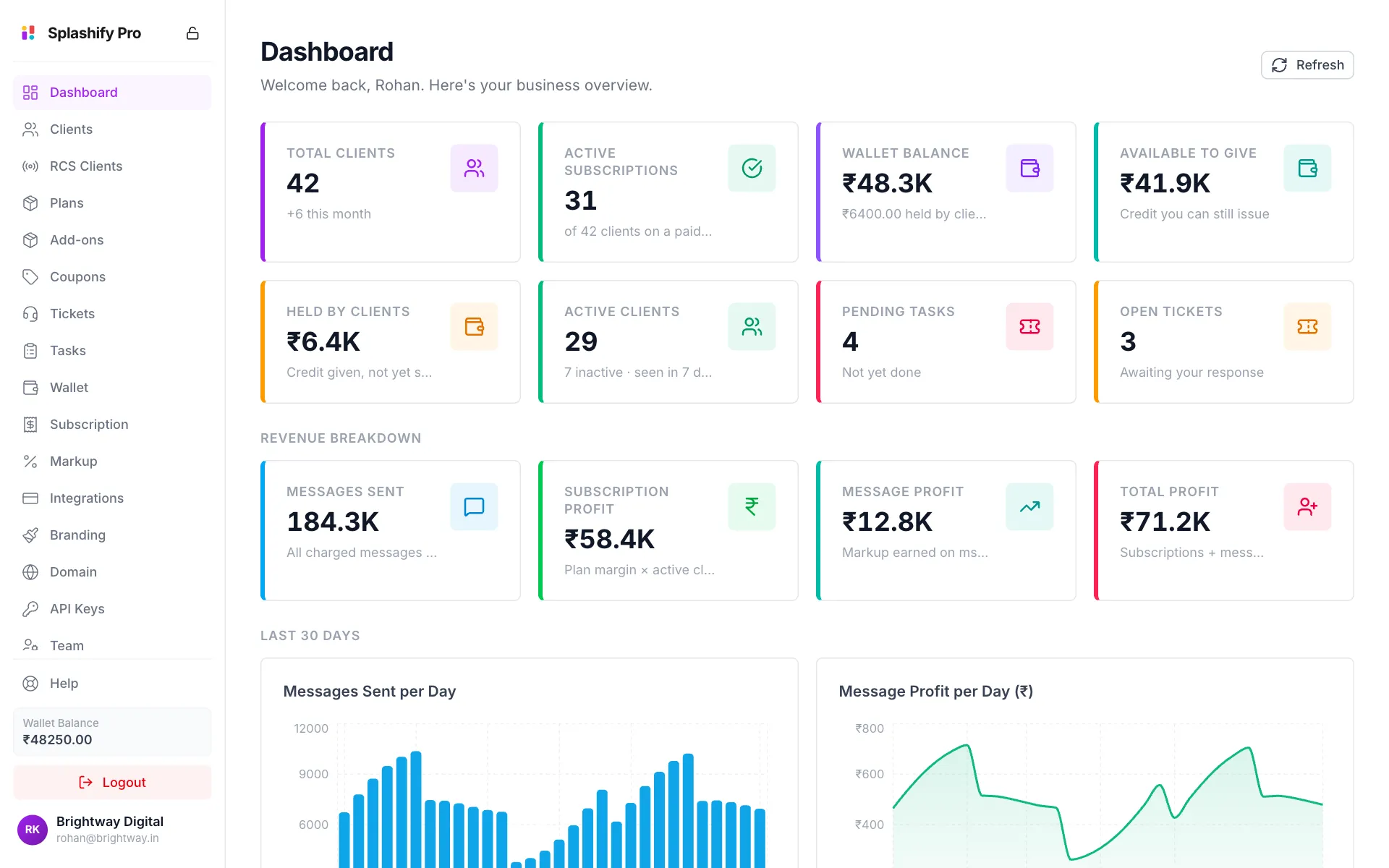
How the money works
- You pay your cost. Splashify Pro charges your reseller wallet a wholesale price for each plan your customer buys and for each message, SMS or AI minute they use.
- Your customer pays your price. You choose the selling price of every plan and the markup on every message. Customers pay you through your own payment gateway.
- You keep the difference. The gap between your price and your cost is your profit.
For example, if your cost for a plan is ₹1,999 and you sell it for ₹3,499, you keep ₹1,500 for every customer on that plan.
Set up in this order
Log in and look around
Sign in and learn the menu. See Getting Started.
Finish onboarding
Add your business details, upload your documents and sign the reseller agreement. A new account shows only Onboarding until this is done. See Onboarding and Agreement.
Add your brand
Upload your logo, pick your brand colour and add your support email. See Branding.
Connect your domain
Point a subdomain such as
app.yourbrand.comto the platform. SSL is automatic. See Custom Domain & SSL.Connect a payment gateway
Add Razorpay, Cashfree, PayU or Zoho Payments so customers can pay you. See Integrations.
Set your prices
Set plan prices on Plans & Pricing and message prices on Markup Settings.
Fund your wallet
Keep money in your wallet so your customers can buy plans and send messages. See Wallet.
Every page in the panel
Some pages only appear if your account sells that product. See What You Sell.
Need help?
Click Help at the bottom of the left menu to email the Splashify Pro partner team.