
What You Sell
Available for accounts in India.
Your reseller account sells one or both of two products: the WhatsApp app and the RCS panel. The panel only shows the pages for what you sell.
Splashify Pro sets which products your account carries. To add or remove one, contact support (click Help at the bottom of the left menu).
What changes in the panel
Markup shows a mix. The RCS price shows whenever Splashify Pro has set an RCS cost for you. The SMS, Voice AI, AI feature and email prices show only if you sell the WhatsApp app.
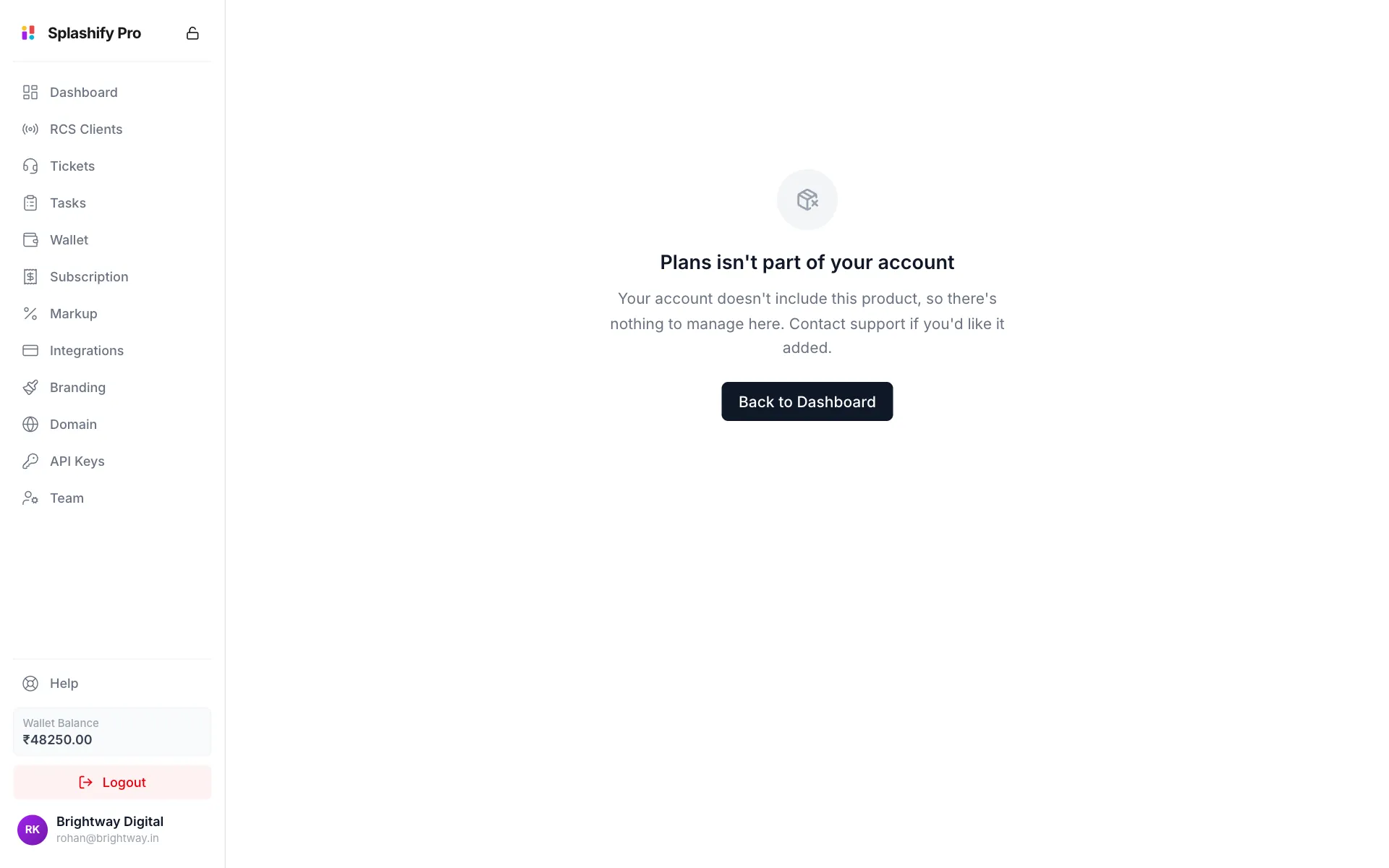
If you open a page for a product you do not sell, for example from an old bookmark, the panel tells you so instead of showing an empty list.
Two separate sets of customers
If you sell both products, your WhatsApp clients and your RCS clients are separate accounts. They share no login, no wallet and no data, even if they are the same business. That is why they have their own pages: Clients and RCS Clients.
The Total Clients card on your Dashboard counts both together.
Two separate domains
One web address serves one panel. If you sell both products you connect two, for example app.brightway.in for the WhatsApp app and rcs.brightway.in for the RCS panel. See Custom Domain & SSL.
A domain connected for one product does not serve the other. A domain for a product you no longer sell stops working.