
Agreement for Existing Resellers
If you were a reseller before onboarding began, your panel keeps working. You get a notice and 30 days to add your documents and sign the reseller agreement. This page explains the dates, what pauses if you miss them, and how to get everything back.
The steps themselves are the same for everyone. See Onboarding and Agreement.
The notice
We email the account owner and the signatory. The subject starts with Action needed: sign your reseller agreement by and ends with your date. From that day:
- Onboarding appears at the top of the left menu.
- A banner shows above every page of the panel.
- The Onboarding page shows a Sign by label with your date and the days left.
Nothing else changes yet. All your pages and all your clients work as before.
The banner
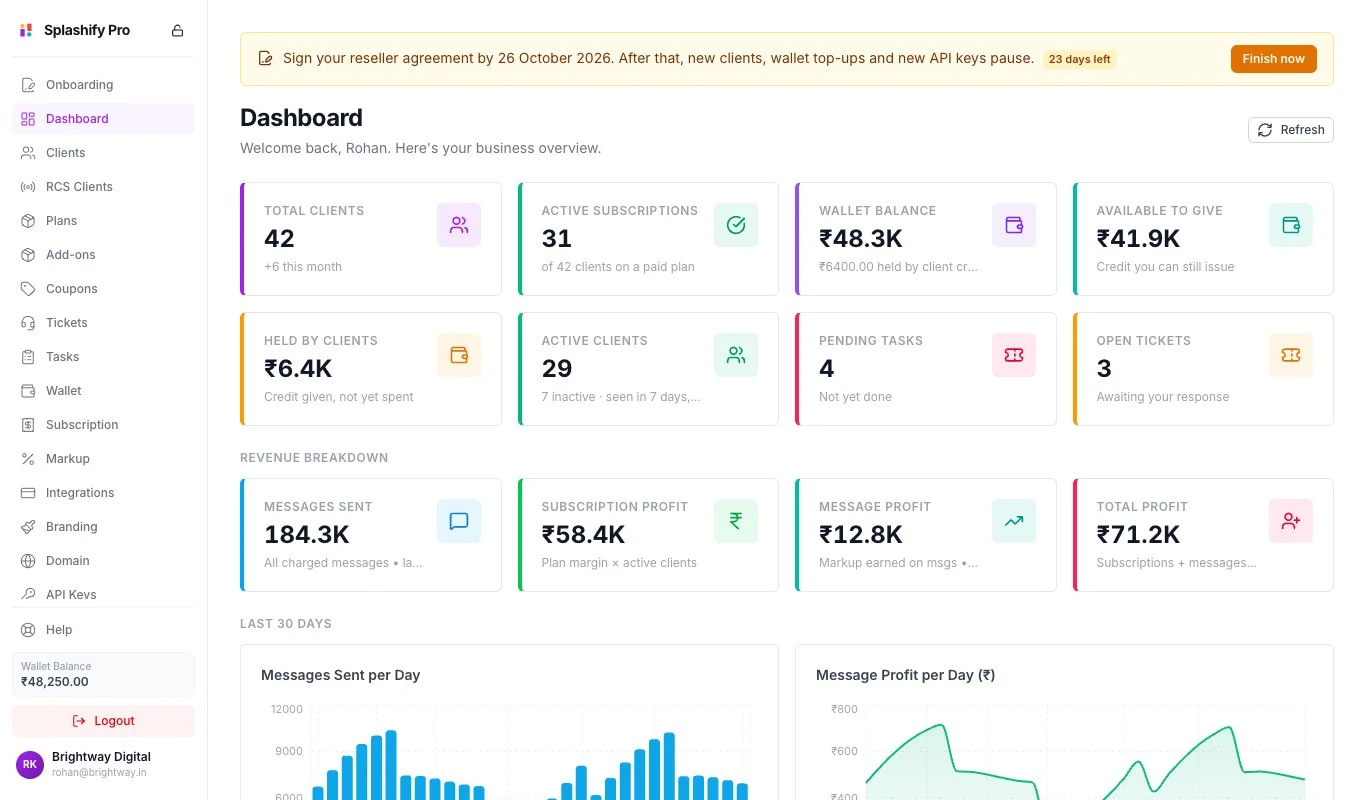
The banner changes with where you are. Click Finish now to open the Onboarding page.
The dates
Day 0 is the day of the notice. Your own dates are always on the banner and in our emails.
We also email you before the deadline, on the day things pause, before the suspension date and on the day of suspension.
What pauses after day 30
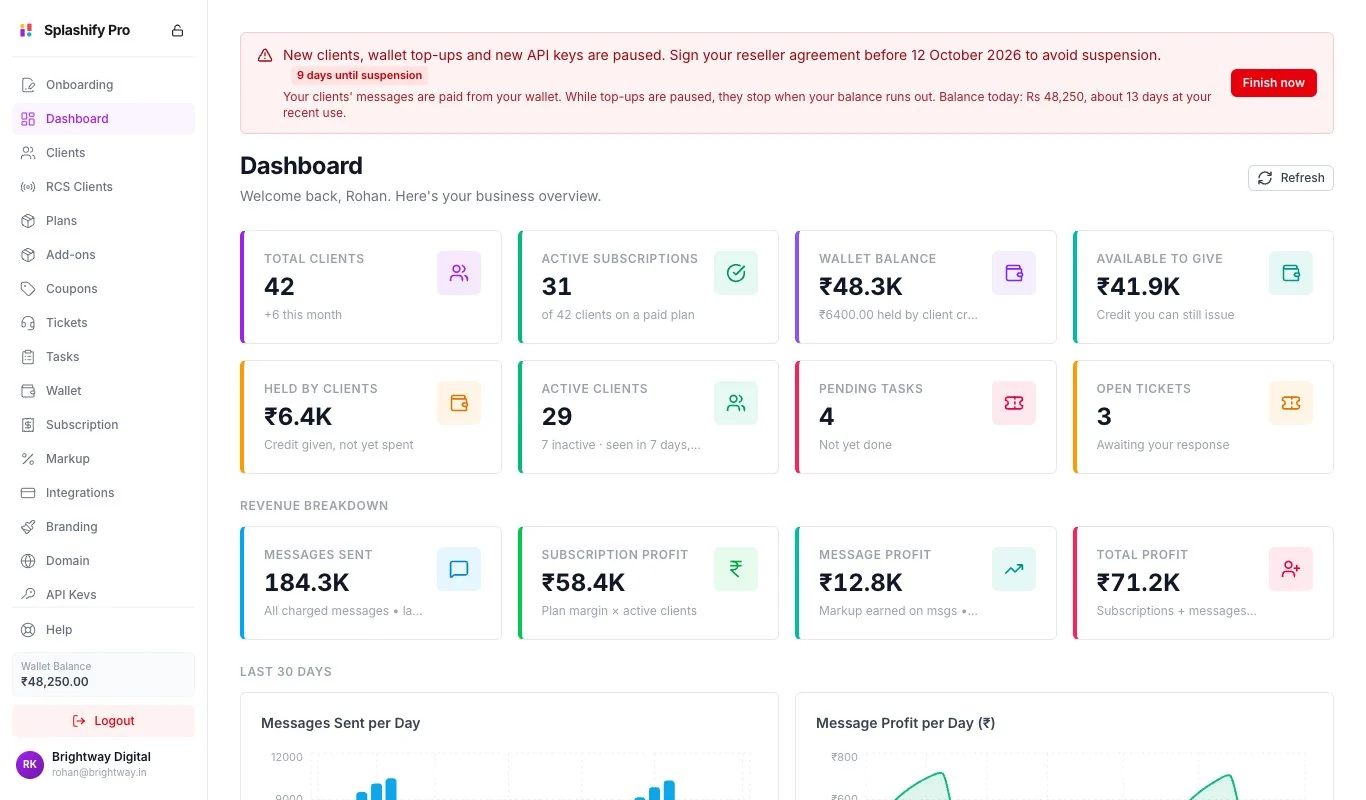
Hold your mouse over a switched-off button to see why: New clients, wallet top-ups and new API keys are paused until your reseller agreement is signed. Open the Onboarding page to finish it.
What keeps working
- Your existing clients sign in, send messages and use the app as before.
- Your clients can still pay you, and you can still manage them.
- API keys you already have keep working.
- Your team can still sign in.
- A wallet payment you had already started is still added to your wallet.
Watch your wallet balance
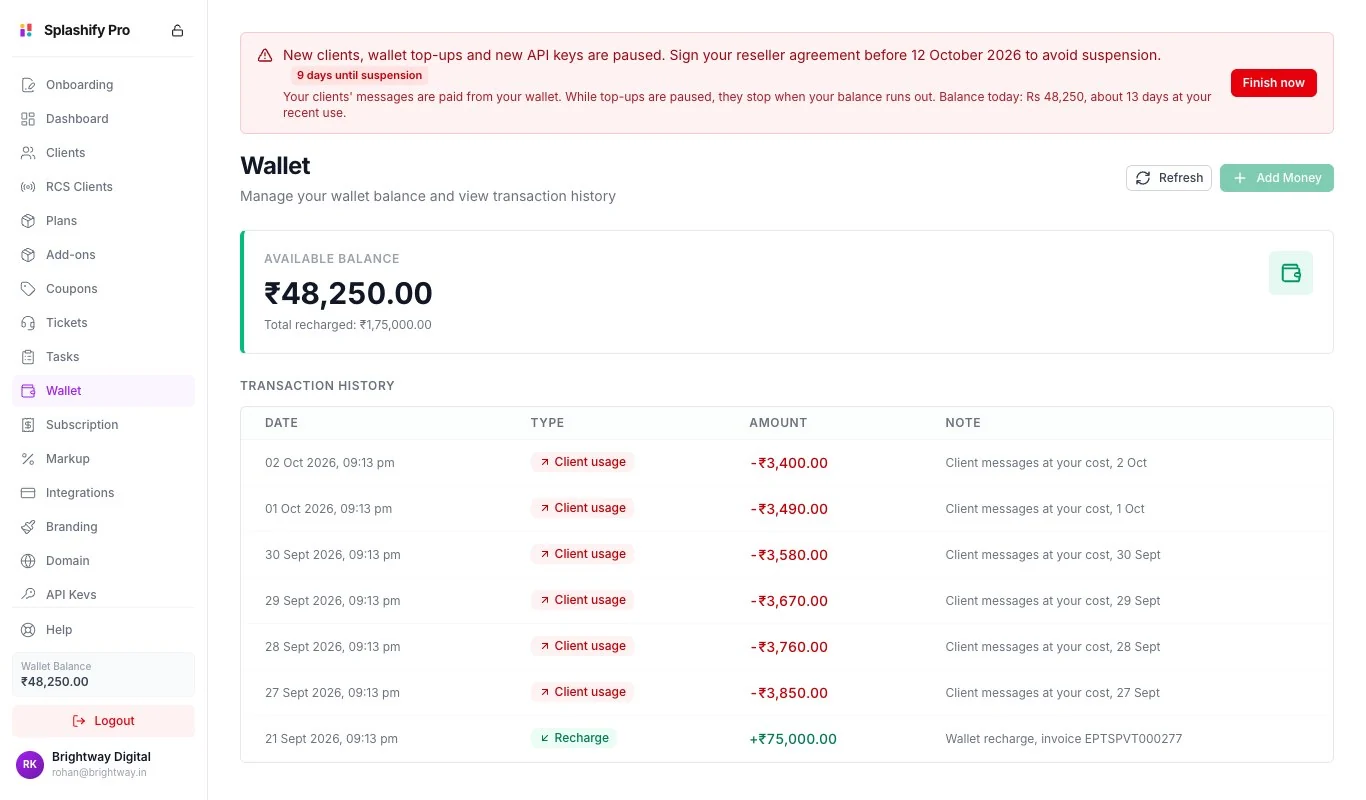
Your clients' messages are paid from your wallet. While top-ups are paused, their messages stop when your balance runs out. The red banner shows your balance today and about how many days it lasts at your recent use. Sign before it runs out.
Suspension after day 45
If the agreement is still not signed after day 45, your account is suspended.
- You and your team cannot use the panel.
- Your WhatsApp app clients' accounts are paused together with yours. RCS panel customers are not paused.
- When you sign in, you see Your account is suspended and a Finish onboarding button.
The Onboarding page stays open, so you can always finish.
Get your account back
Sign in and click Finish onboarding
Go to panel.splashifypro.com and sign in. On the Your account is suspended page, click Finish onboarding.
Finish the steps that are left
Save your business details, upload your documents and submit them. See Onboarding and Agreement.
Sign the agreement
When the agreement reaches your signatory's email, sign it. See Sign the Agreement.
Signing restores your account. As soon as your signature is in, your account and the clients that were paused with it come back. The same is true for a pause: new clients, wallet top-ups and new API keys work again once you have signed. You do not have to wait for our countersignature.
After you have signed, nothing is paused or suspended again, even if we need to send you the agreement a second time.
The clock waits while the next step is ours
You are never paused or suspended because of our delay.
- After you submit, the banner turns grey and says We are checking your documents. Your dates will not run out while we do. While it is grey, no new pause starts and your account is not suspended, even if a date passes.
- When the step comes back to you, your dates move if they are close. This happens when we ask for changes or when we send the agreement. You always get at least 7 days. We email you the new date.
- A pause that has already started stays until you sign. The grey banner tells you so.
Common questions
I have been a reseller for years. Do I still have to do this?
Yes. Every reseller adds the documents and signs the agreement once.
My clients are sending fine. Can I ignore the banner?
No. After day 30 you cannot take new clients or top up your wallet. After day 45 your account is suspended and your WhatsApp app clients are paused with it.
You are checking my documents. Why are new clients still paused?
A pause that has already started stays until you sign. But while the next step is ours, your suspension date does not run out.
I cannot sign in time. What should I do?
Write to [email protected] before your date and tell us what is holding you up.
Related
- Onboarding and Agreement: the five steps
- Onboarding Documents: the documents for your business type
- Sign the Agreement: signing and common problems
- Wallet: your balance and top-ups