
Getting started
This chapter gets you from zero to a working account: create your account, sign in, and learn what is on your dashboard. It takes about 15 minutes, plus the time Meta needs to approve your WhatsApp number.
What you need
- A work email address you can open now (we send a code there).
- Your mobile number, to get a code on WhatsApp or by text message.
- For WhatsApp: a Facebook account that manages your business on Meta, a phone number for your business, and a working website. See How setup works.
The steps
Create your account
Fill in your name, email, mobile number and a password, then type the codes we send you. See Sign up.
Tell us about your business
The first time you open the dashboard, a box asks for your company name, size and industry. Fill it in and click Continue.
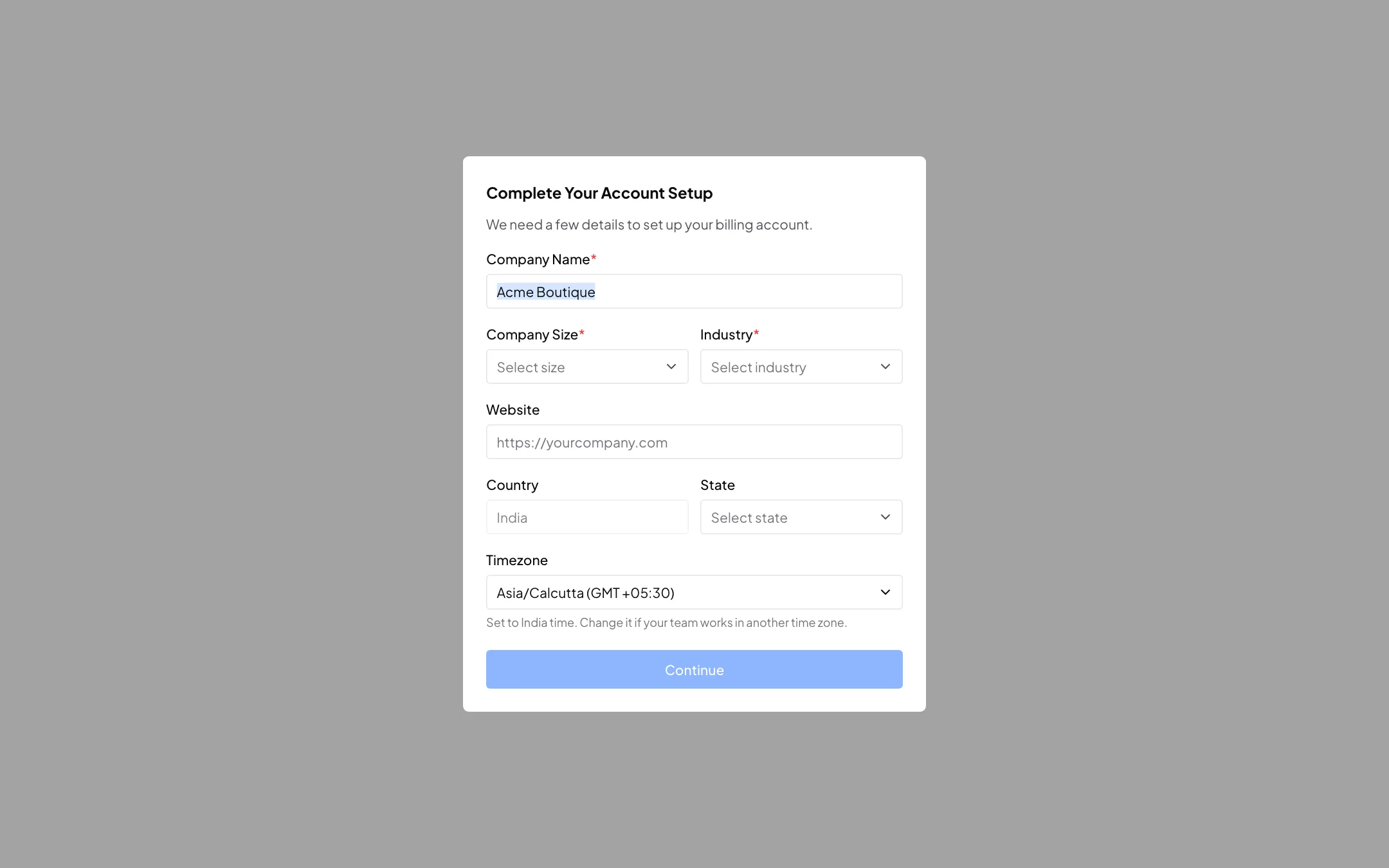
The first thing you see after signing up Get to know your dashboard
See what each box and button on your dashboard does. See Your dashboard.
On your first sign-in, Sparky gives you a short tour of the app. See App tour with Sparky.
Connect WhatsApp
Link your business WhatsApp number from the dashboard. See Connect WhatsApp (WABA).
Pick a plan and add money
Choose a plan and top up your wallet, which pays for the messages you send. See Buy or change a plan and Wallet and billing details. Accounts outside India are in US dollars: see Using Splashify Pro outside India.
Bring in your customers
Import your customer list from a spreadsheet. See Import contacts.
Next time, just Log in.
Web addresses
Best on a computer
Splashify Pro works best in Chrome or Edge on a computer. You can also use the mobile app for Android and iPhone: scan the QR code on your dashboard. Some screens, like the chatbot builder, are easier on a big screen.