Skip to Content
Voice AITroubleshooting

Troubleshooting

Setup issues

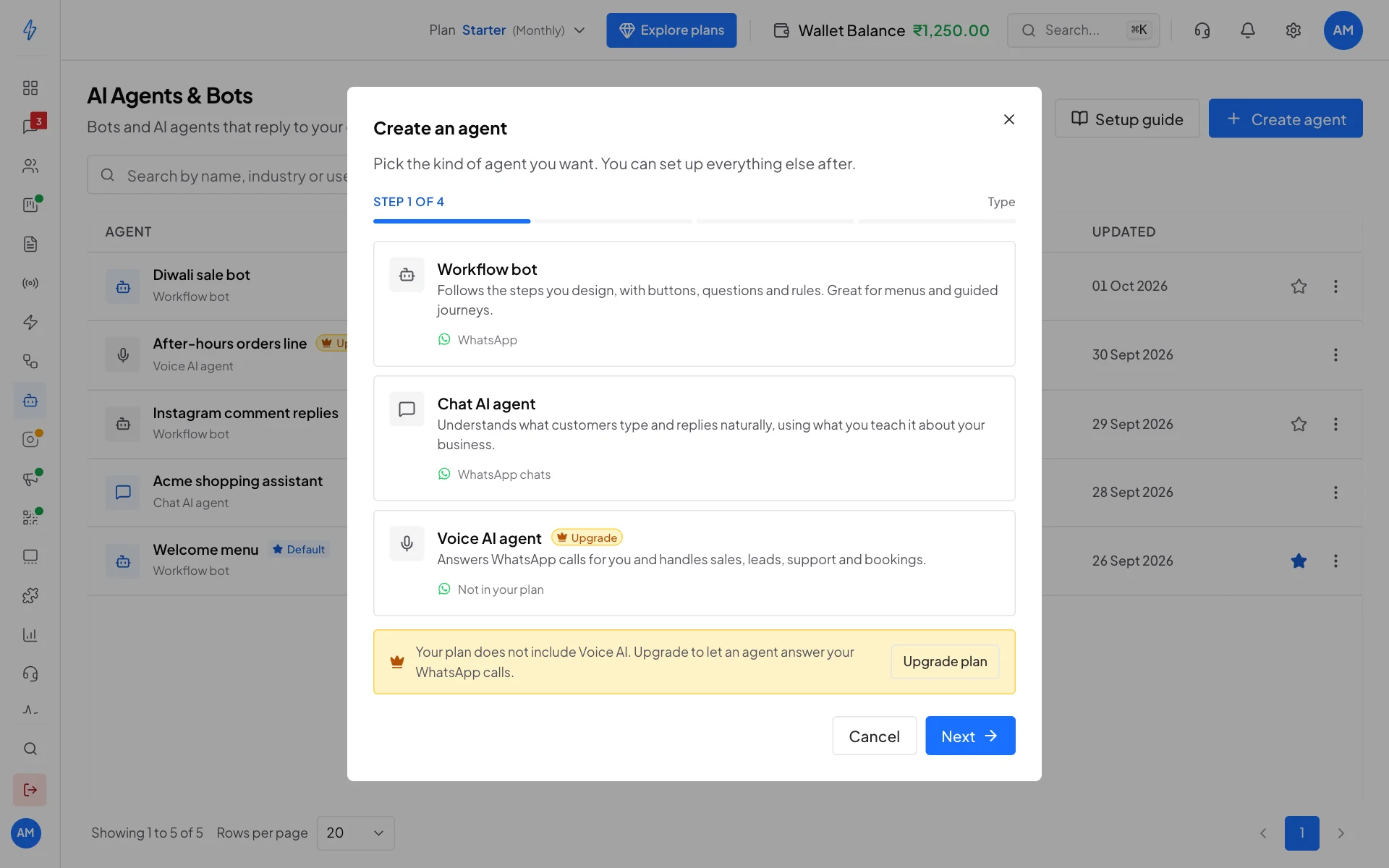
”Voice AI not available on your plan”

Your current plan doesn’t include Voice AI. Either:

  • Upgrade your plan from Settings → Plans to one that includes Voice AI
  • Use the free trial credit (₹50 ≈ 10 minutes) on activation if you’re new

Agent creation fails

Check:

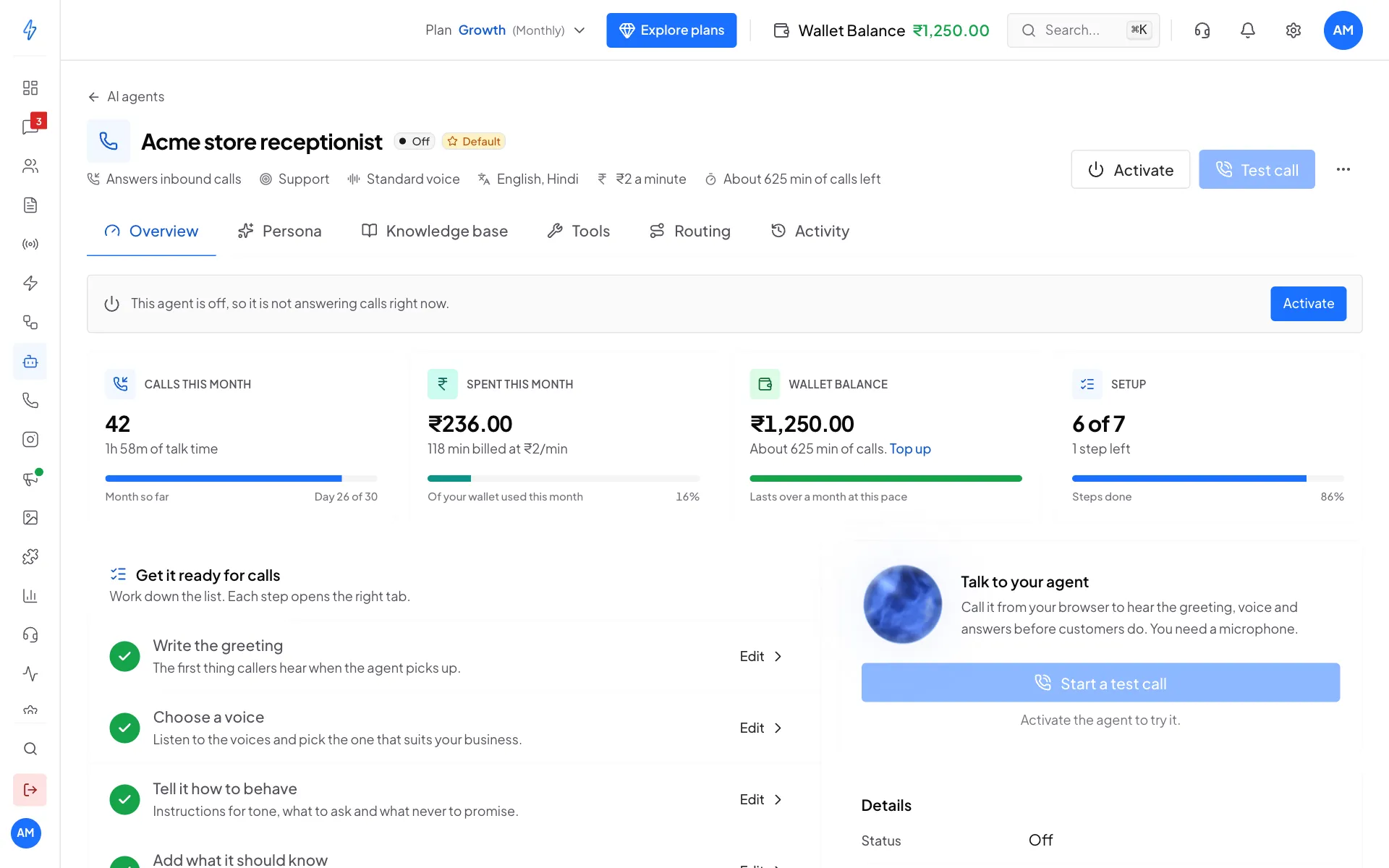
  • Status isn’t paused on the Overview tab after save
  • Voice provider + Voice ID are both selected on Persona tab
  • Greeting isn’t empty
  • At least one language is in the Languages list

Test call issues

”Microphone access denied”

Browser blocked mic permission. Click the lock/info icon in the address bar → Allow microphone. Reload the page.

Connecting forever / no audio

  • Check the agent’s status is active on the Overview tab
  • Check the AI Credits balance — under ₹5 may fail to start (test calls don’t bill, but the platform reserves a small amount as a safety check)
  • Try a different network (corporate firewalls sometimes block WebRTC)
  • Try a different browser — Chrome / Edge / Firefox all work; older Safari versions can be flaky

Choppy audio

Network jitter. Hang up + retry, ideally on a more stable connection (wired Ethernet or a strong WiFi signal).

Agent doesn’t pick up my language

Add the language to the Languages list on the Persona tab + save. The change applies to your next call (test calls don’t reload the agent mid-call).

Real-call issues

Caller hears ringing but agent never picks up

  • Verify the agent is set as Default voice agent (filled star on Overview tab)
  • Verify status is active
  • Check AI Credits balance — under ₹5 will refuse the call

Caller says agent ended the call abruptly

Common causes:

  • Wallet ran out — Activity tab shows end_reason = wallet_empty. Recharge AI Credits.
  • 10-minute hard cap reached — rare but real. Most calls end well under this.
  • Agent error — Activity tab shows end_reason = agent_error. Open a support ticket from the help menu so we can investigate.

Transfer doesn’t work

  • Check Fallback phone is set on the Routing tab in E.164 format (e.g. +919876543210, not 9876543210 or 0091...)
  • Check the line is staffed during the call’s time window
  • The agent waits ~5 seconds for the line to pick up — if it rings unanswered, the agent apologises and offers a callback

Knowledge base issues

Agent says “let me check that and call back” on every question

  • KB is empty — go to Knowledge Base tab + upload at least one file
  • All uploaded files are in failed status — check the failure reason on each row + re-upload corrected versions

Agent quotes wrong / outdated info

You uploaded a doc with old prices/policies. Delete the stale file + upload the updated version. The agent uses the latest indexed content.

Image PDF status: failed

  • File is image-only (scanned PDF) and OCR couldn’t extract text
  • Try converting to clearer scans or extracting text manually + saving as TXT
  • Very large image PDFs (>50 MB) get rejected at upload

Tool issues

Tool didn’t fire when I expected

Most common cause: the tool isn’t toggled on for this agent. Tools tab → toggle the right tool → Save. Test in the Test Call modal.

Second cause: the agent decided the moment didn’t warrant the tool. Tighten the system prompt on the Persona tab — example:

“When the caller shares their name AND phone number, ALWAYS fire capture_lead immediately."

"Transfer to human” said no fallback configured

Set Fallback phone on the Routing tab in E.164 format. Save. Test in a fresh test call.

Captured lead didn’t appear in Contacts

Check Contacts → filter by tag voice-ai-lead. If still empty, the agent’s tool fire may have errored. Activity tab → expand the relevant call row → look for a red status dot on the Captured lead line. Common causes:

  • Phone number was malformed — agent extracted “nine zero zero…” but the validation rejected it
  • No name extracted — fix by tightening the system prompt to ask for name first

Wallet / billing issues

Wallet drains faster than expected

  • Check the rate on the Overview tab → Rate card. Reseller-priced customers see their reseller’s rate, not the ₹5 default.
  • Long-winded agents talk past necessary length — tighten the system prompt to enforce “1-2 sentence responses”.
  • Test calls are free, so accidental over-testing isn’t the cause — it’s real calls that bill.

Mid-call wallet-empty

Recharge AI Credits → set up enough buffer for typical call duration × volume. At ₹5/min, ₹500 = 100 minutes ≈ 30-40 typical 3-minute calls.

Still stuck?

  • Open a support ticket: Sidebar → Help → Raise a ticket
  • Or message the in-app AI assistant (the chat bubble bottom-right) — it can route you to the right docs page or open a ticket on your behalf

Don’t share OTPs, passwords, or sensitive customer data in tickets.