
Test call
Available for accounts in India.
A test call lets you talk to your voice agent from your browser, just like a caller would. Use it to hear the greeting and the voice, and to check the answers and tools, before real customers call. Test calls are free.
Start a test call
Open your agent
Click AI Agents & Bots in the left sidebar and open your voice agent. The agent must be Active. If it is off, click Activate first.
Click Test call
Click Test call at the top right, or Start a test call on the Overview tab. The Test call box opens.
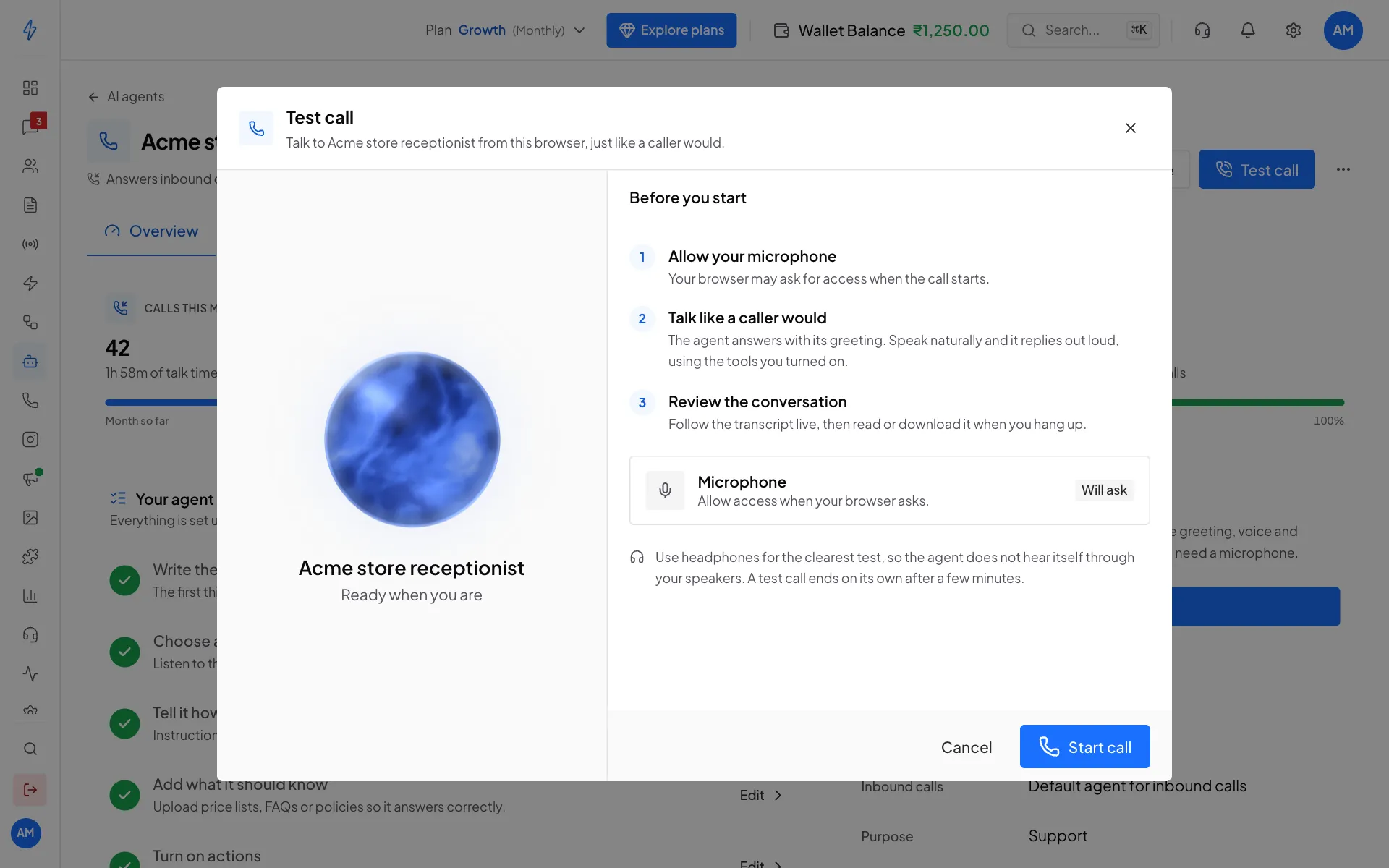
Check the steps, then click Start call Check your microphone
Under Microphone, Allowed means you are ready. Will ask means your browser asks when the call starts. Blocked means you must allow the microphone in your browser first.
Click Start call
Click Start call. Allow the microphone if the browser asks. The agent picks up and says its greeting.
Talk to it
Speak naturally. The status shows Listening, Thinking or Agent is speaking. The Live transcript shows both sides of the conversation, and each tool the agent uses, like a saved lead, with Done or Failed.
Hang up
Click End call. A test call also ends on its own after 5 minutes.
After the call you see a summary with the Duration, the number of Turns and the Tools used, and the whole Conversation. Click the download button to save the transcript as a text file.
Use headphones
With headphones, the agent does not hear itself through your speakers, so the test is much clearer.
What is free and what is not
- Test calls are free. Nothing is taken from your wallet.
- Real WhatsApp calls are charged per second from your wallet. See Pricing and wallet.
- Tools used in a test call make real changes. A lead saved in a test lands in your real Contacts, and a callback shows on your dashboard.
Things to try
- Say your name, number and what you want. Check the lead shows in Contacts with the tag
voice-ai-lead. - Say "please call me back tomorrow at 3 pm". Check a callback is planned.
- Ask a question your files answer. Check the agent gives the right answer.
- Ask a question your files do not answer. Check the agent says it will find out, and does not make something up.
- Say "I want to talk to a person". Check the agent offers to transfer you.
- Switch from English to Hindi. Check the agent follows.