
Business username
A business username is a public @name for your WhatsApp business number, like @acmeboutique. Once it is approved and visible, customers can find you on WhatsApp by searching for it exactly, without needing your phone number.
You need a connected WhatsApp Business Account first. A username belongs to a WhatsApp business number, so the page asks you to connect one if you have not.
Open Business username
Open Settings (the gear icon in the left sidebar or the top bar) and click Business Username under Configuration. The page shows your current username, a box to claim or change it, and a Preview of your WhatsApp profile.
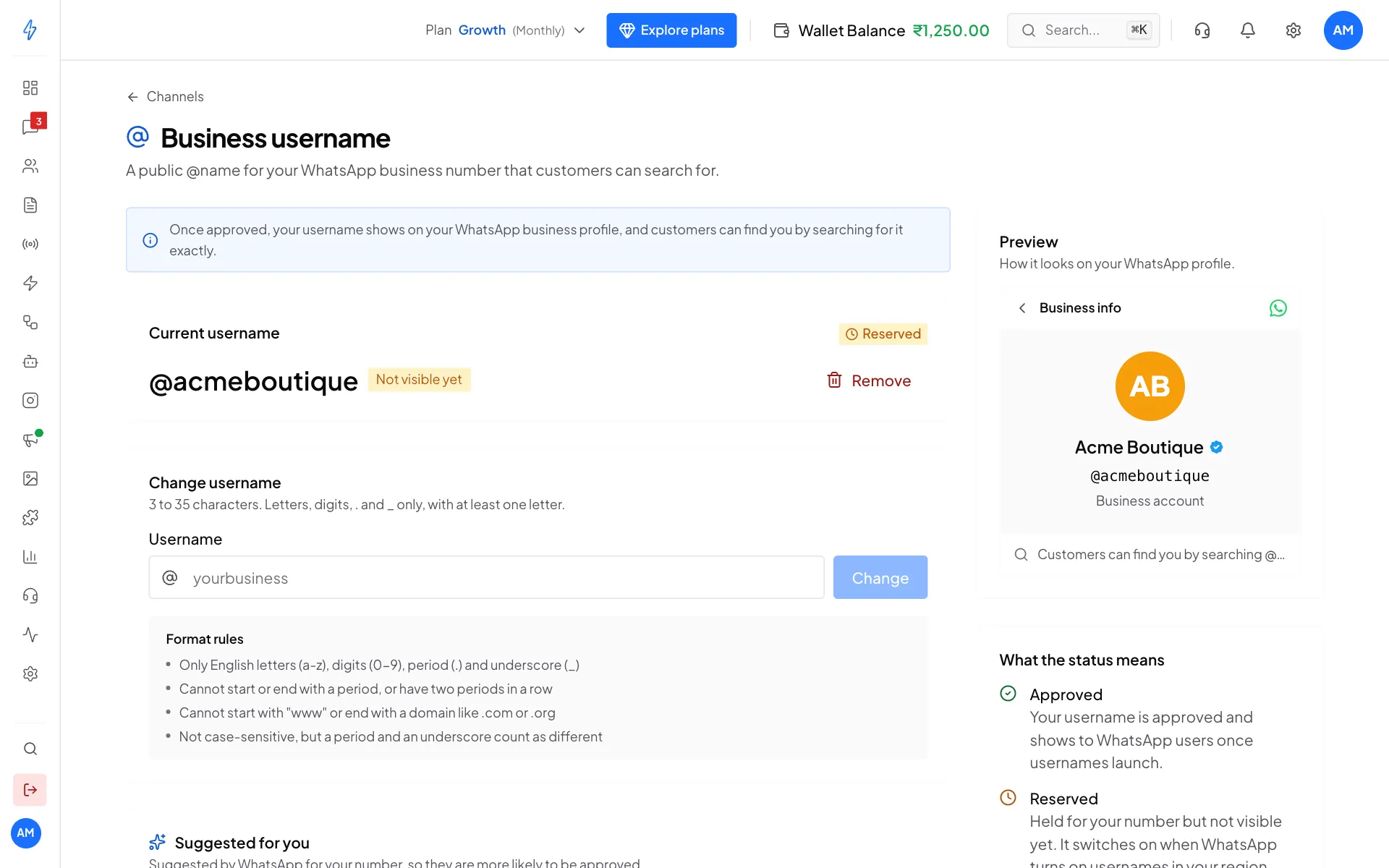
Claim or change your username
Type the username you want
Under Claim a username (or Change username if you already have one), type it in Username. The Preview on the right shows how it would look on your profile.
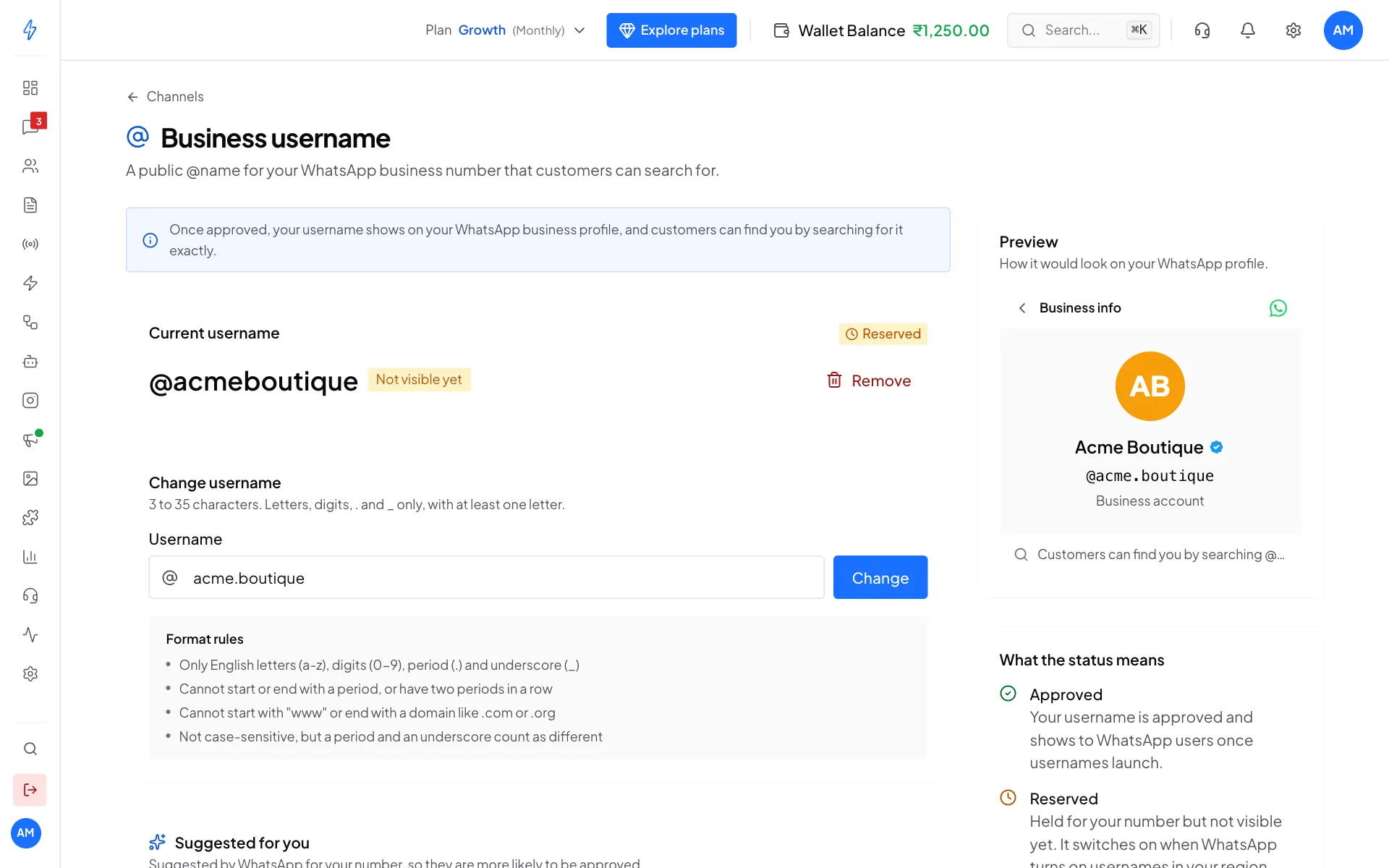
The preview updates as you type Click Claim or Change
Click Claim (or Change).
Confirm
A box asks you to confirm, for example Claim @acme.boutique?. If you already have a username, it says the new one replaces it. Click Claim username (or Change username).
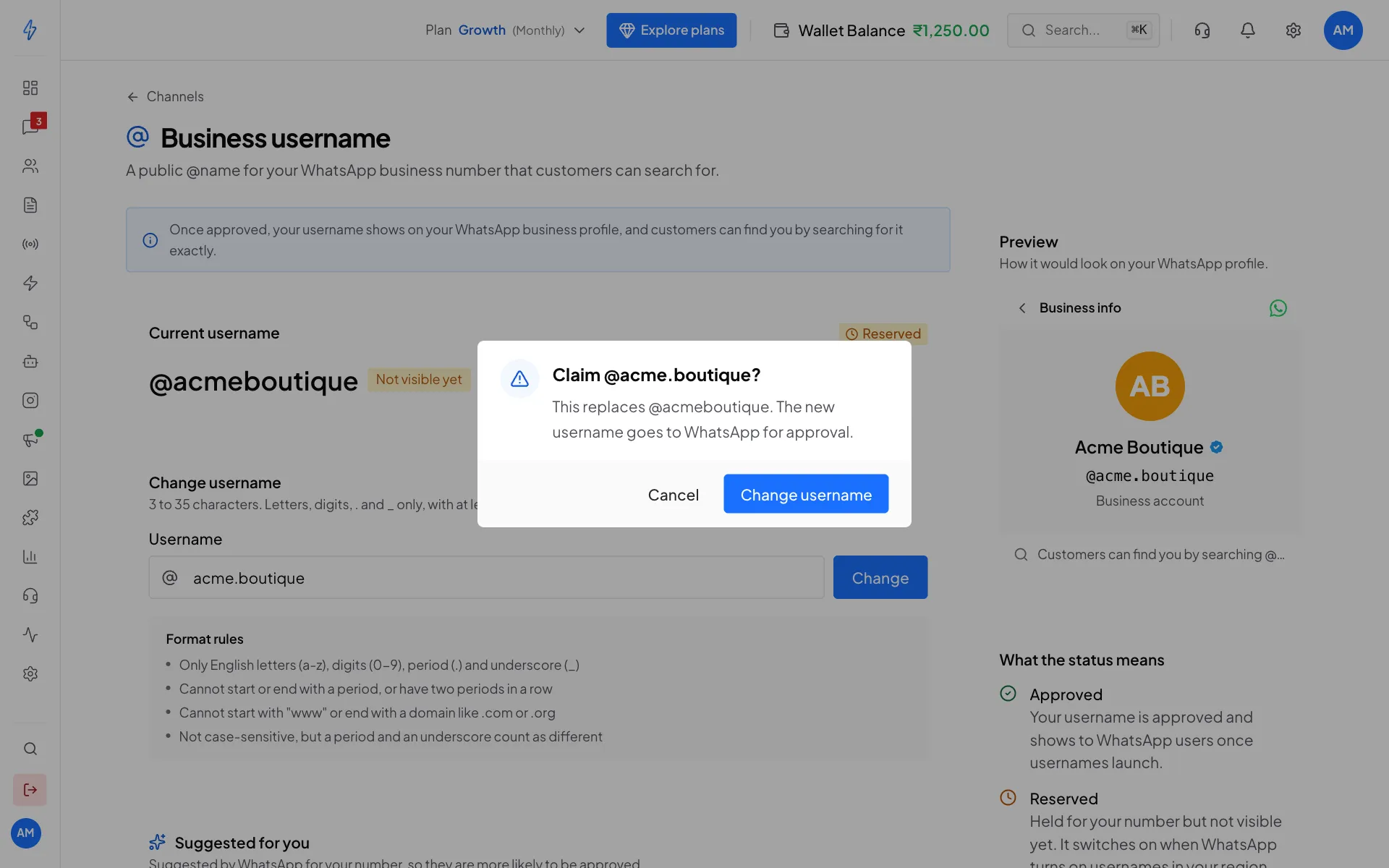
Confirm the new username
You will see Username submitted and its status. The new username goes to WhatsApp for approval.
Pick a suggested username
Scroll down to Suggested for you. These usernames are suggested by WhatsApp for your number, so they are more likely to be approved. Click one to claim it.
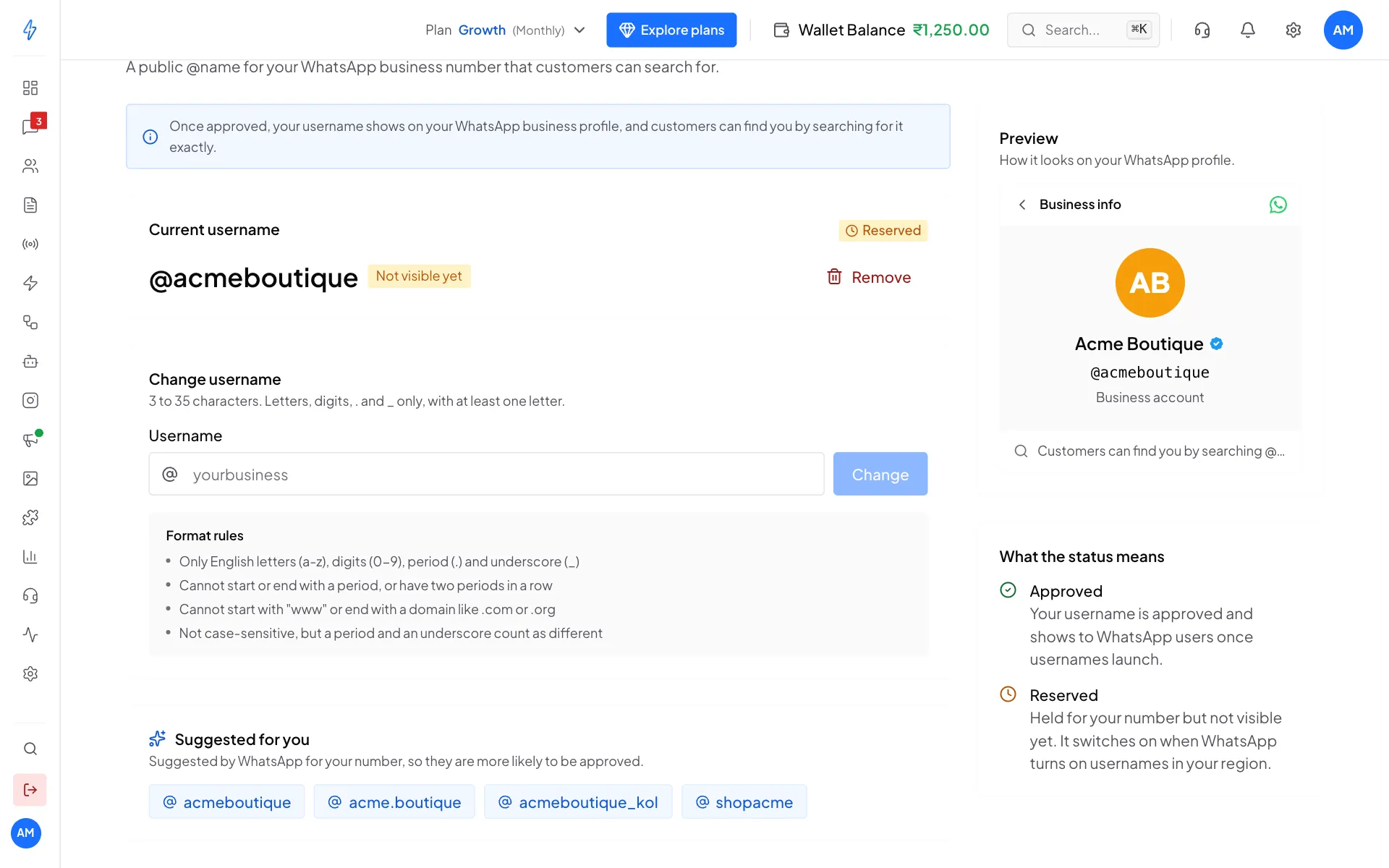
Format rules
- 3 to 35 characters, with at least one letter
- Only English letters (a to z), digits (0 to 9), period (.) and underscore (_)
- Cannot start or end with a period, or have two periods in a row
- Cannot start with "www" or end with a domain like .com or .org
- Not case-sensitive, but a period and an underscore count as different
The preview
The Preview card shows roughly how your WhatsApp business profile looks with the username on it. It uses your real WhatsApp profile:
- your WhatsApp display name (the name customers see in WhatsApp, not your company's legal name)
- your WhatsApp profile photo, or your initials if there is no photo
- the blue verified tick, if your business is verified
Status
Remove your username
On the Current username card, click Remove, then confirm. Customers can no longer find you by that username. This cannot be undone.