
Ads
Click-to-WhatsApp ads appear on Facebook and Instagram and open a WhatsApp chat with you when someone taps them. Every reply lands in your normal inbox, so your team answers it like any other chat.
Where to find ads
In the left sidebar, click CTWA Ads. The Click-to-WhatsApp ads page has two tabs: Managed ads and My ad account.
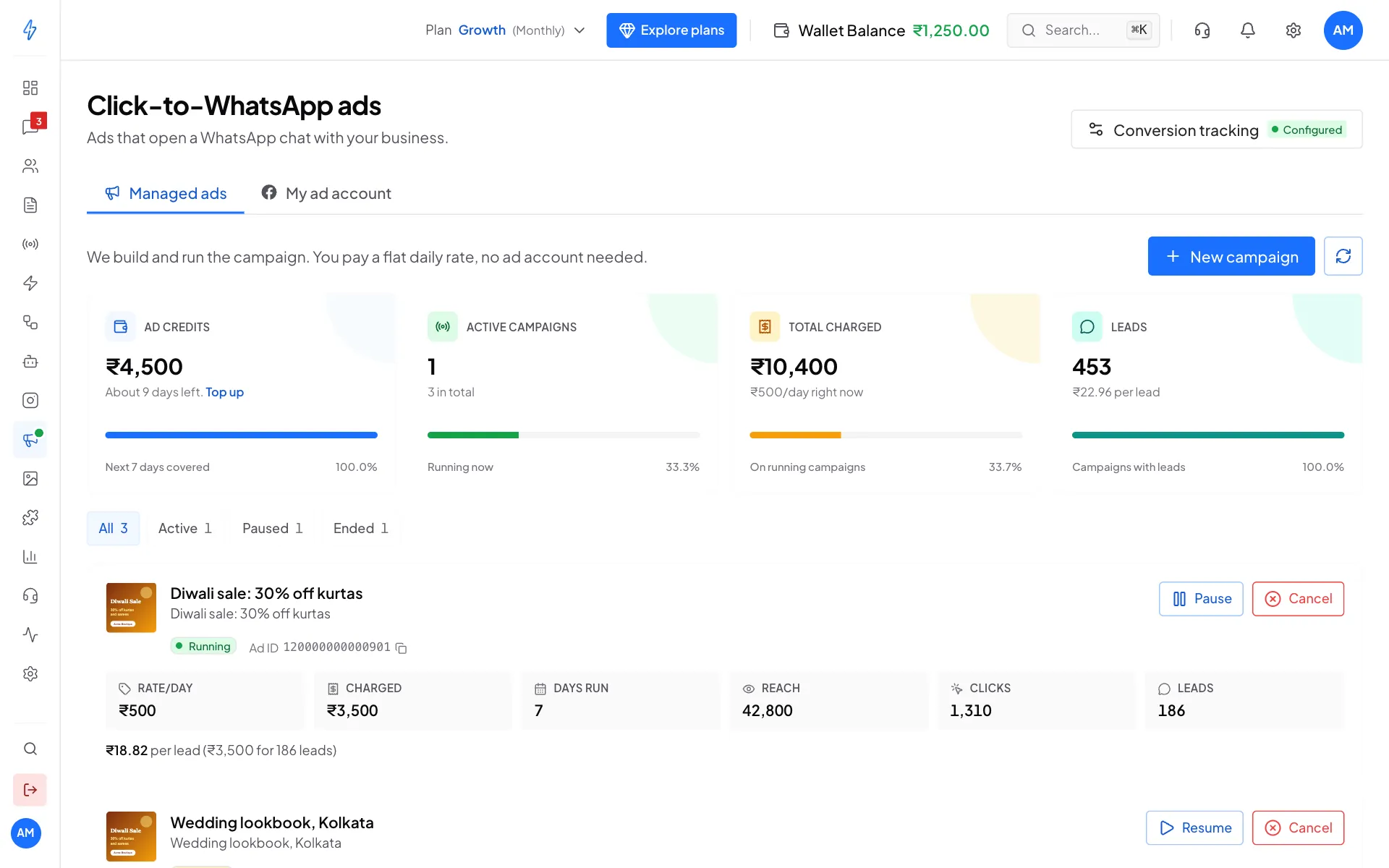
Managed ads
We build the campaign and run it for you. You pick a daily rate, and we handle the ad account, the delivery and the reporting.
You do not need a Meta ad account, a Business Manager or Ads Manager access.
Managed ads are paid from Ad credits, a balance kept apart from your main wallet.
- Create an ad: the five-step campaign wizard
- Managed ads: pausing, resuming and what each campaign card shows
My ad account
Numbers for ads already running on your own Meta ad account, if you connect one: spend, reach, link clicks and chats started, plus the AI ads coach and conversion tracking.
You cannot create a campaign from this tab. New campaigns go through Managed ads. See Click-to-WhatsApp (CTWA) tracking.
Which is which?
On the My ad account tab each ad account is labelled, so you can always tell which ads are yours.