
Morning summary of chats with no reply
Every morning at 9:00 (India time) we tell you how many chats got no reply the day before, and how many of them were hot leads. One click opens exactly those chats, so nobody who wrote to you is left waiting.
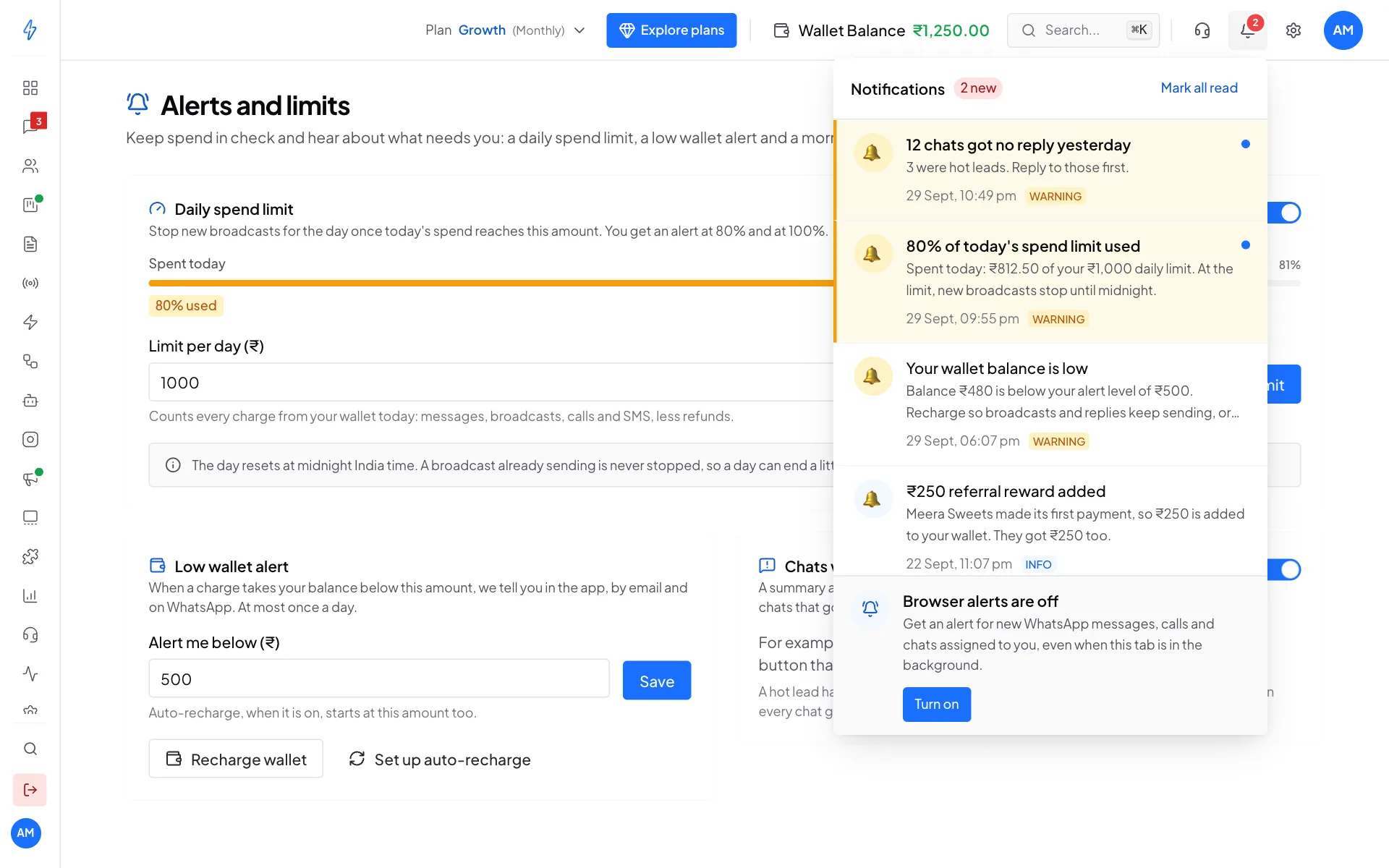
The summary looks like this: 12 chats got no reply yesterday, 3 were hot leads, with a button that opens the chats.
What counts as a chat with no reply
A chat counts when the last message in it is from your customer, it came in yesterday, and nobody on your team has sent anything after it.
A chat is a hot lead when either of these is true:
- its lead score is 70 or more, or
- it has the tag hot (or hot lead).
Where you get it
- In the app: the bell at the top right.
- By email: to the email address of the account owner.
- On WhatsApp: to the owner's mobile number.
On days when every chat got a reply, nothing is sent.
Open the chats with no reply
Click Open chats with no reply in the email, or click the alert in the bell. The inbox opens with the No reply filter on, which shows every chat where the customer wrote last.
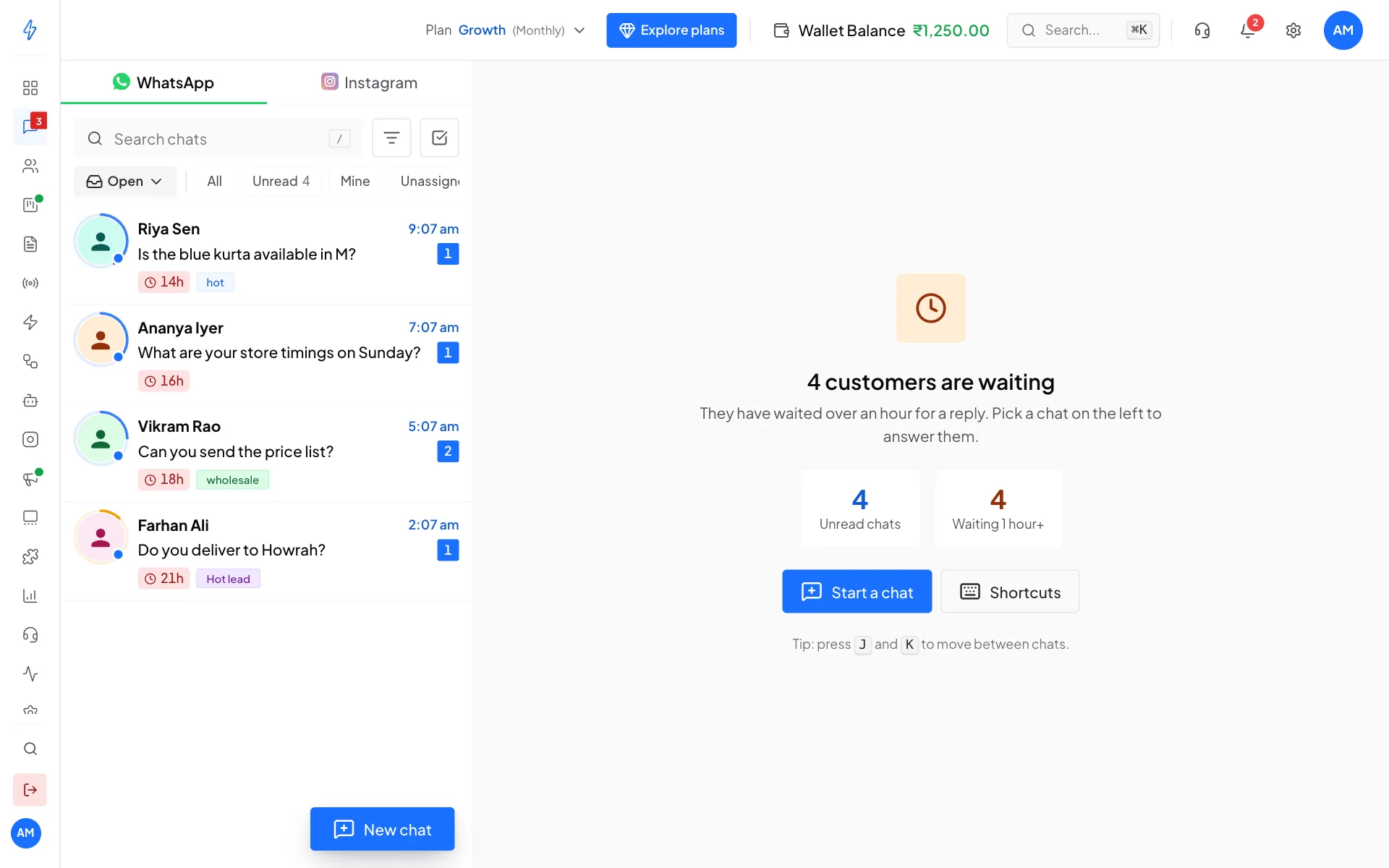
You can also use the No reply filter yourself at any time, next to All, Unread, Mine and Unassigned.
Turn the summary off or on
The summary is on for every account. To turn it off:
Open Alerts and Limits
Click Settings (the gear icon) and, under Account & Billing, click Alerts and Limits.
Switch off Chats with no reply
Turn off the switch next to Chats with no reply. You see Morning summary turned off.
Turn the same switch on to get the summary again from the next morning.