
Catalog and payments
Connect your Meta product catalog to your WhatsApp number. Customers can then browse your products, ask about them and place orders without leaving the chat, and you can ask for payment with a link.
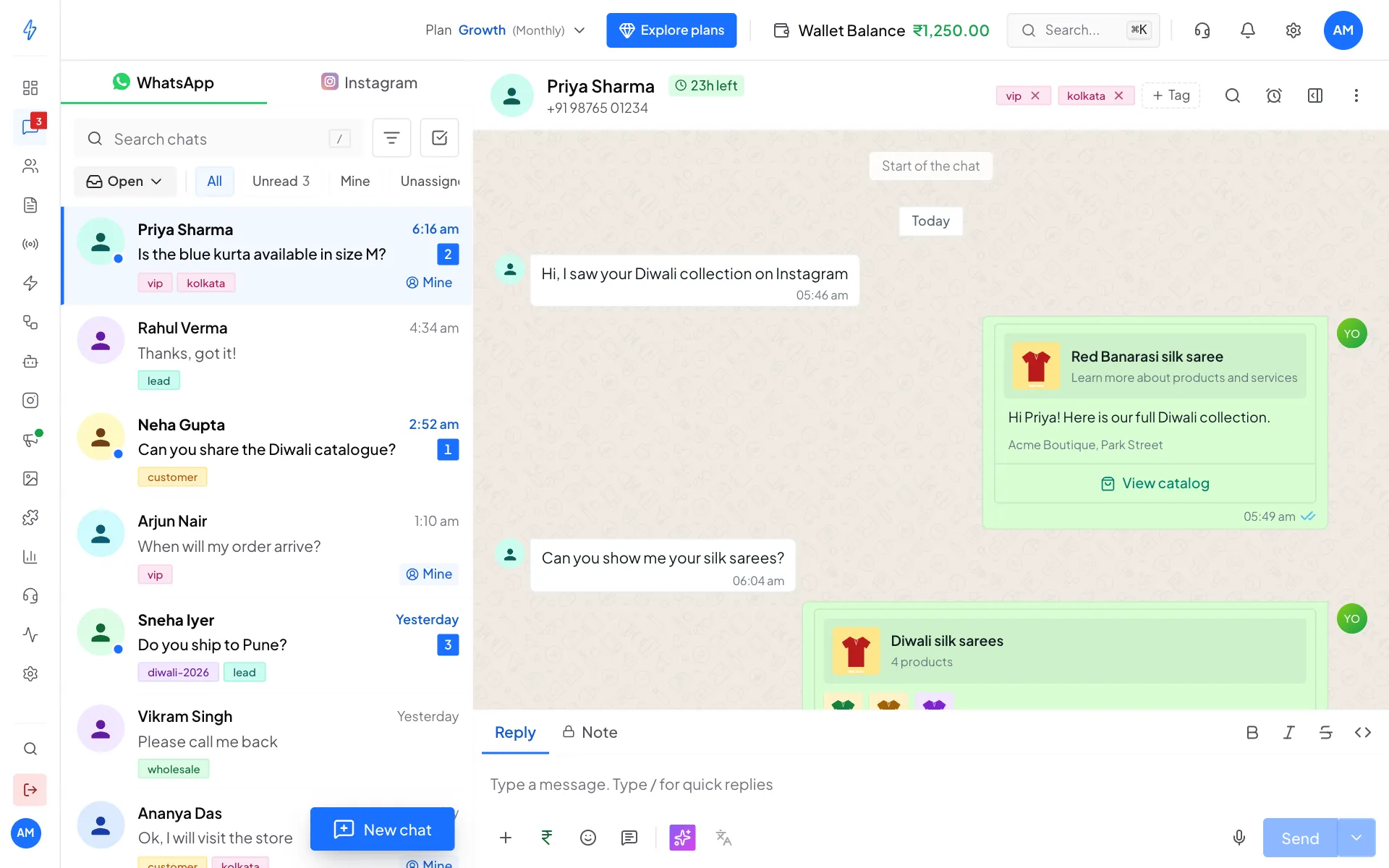
What you can do
Payment links and WhatsApp invoices are for accounts in India.
How it fits together
- Your products live in a Meta catalog. You add and price products in Meta Commerce Manager. The app reads them from there. It does not replace Commerce Manager.
- The catalog is linked to your WhatsApp Business account. One catalog per account. The same catalog can serve several phone numbers.
- The app imports your products, so product pickers and previews open instantly.
- You send products yourself from a chat, or automatically from a bot.
Before you start
- A connected WhatsApp number (see Connect WhatsApp (WABA)).
- A Meta product catalog with at least one product.
No catalog yet? Create one in Meta Commerce Manager and add your products. You link it to WhatsApp when you connect it here.
Where to find it
Click Settings (the gear icon) in the top bar or near the bottom of the left sidebar. In the Settings box, under Analytics & Commerce, click Commerce.
Not supported yet
- Checkout button templates: an India-only way to buy from inside a marketing template. It needs Meta's approval and is not built in yet.
Next, see Set up your catalog.