
Tap target URL override
A tap target turns a whole template message into one big tappable link, with a title you choose, like "Offer Details". The customer taps anywhere on the message and your page opens. It is set up through the API, usually by your developer.
What you need
- An approved template with a link button. The tap opens the web address of the template's first URL button. See Create a WhatsApp template.
- A fully verified WhatsApp Business Account with good quality. WhatsApp only accepts a tap target from verified accounts with high quality ratings. See Business verification (KYC).
- An API key. See Developer settings (API key).
Check the template has a URL button
Click Templates in the left sidebar, open the template's menu (the three dots) and click View. The preview should show a link button, like Track order below. That button's address is where the tap goes.
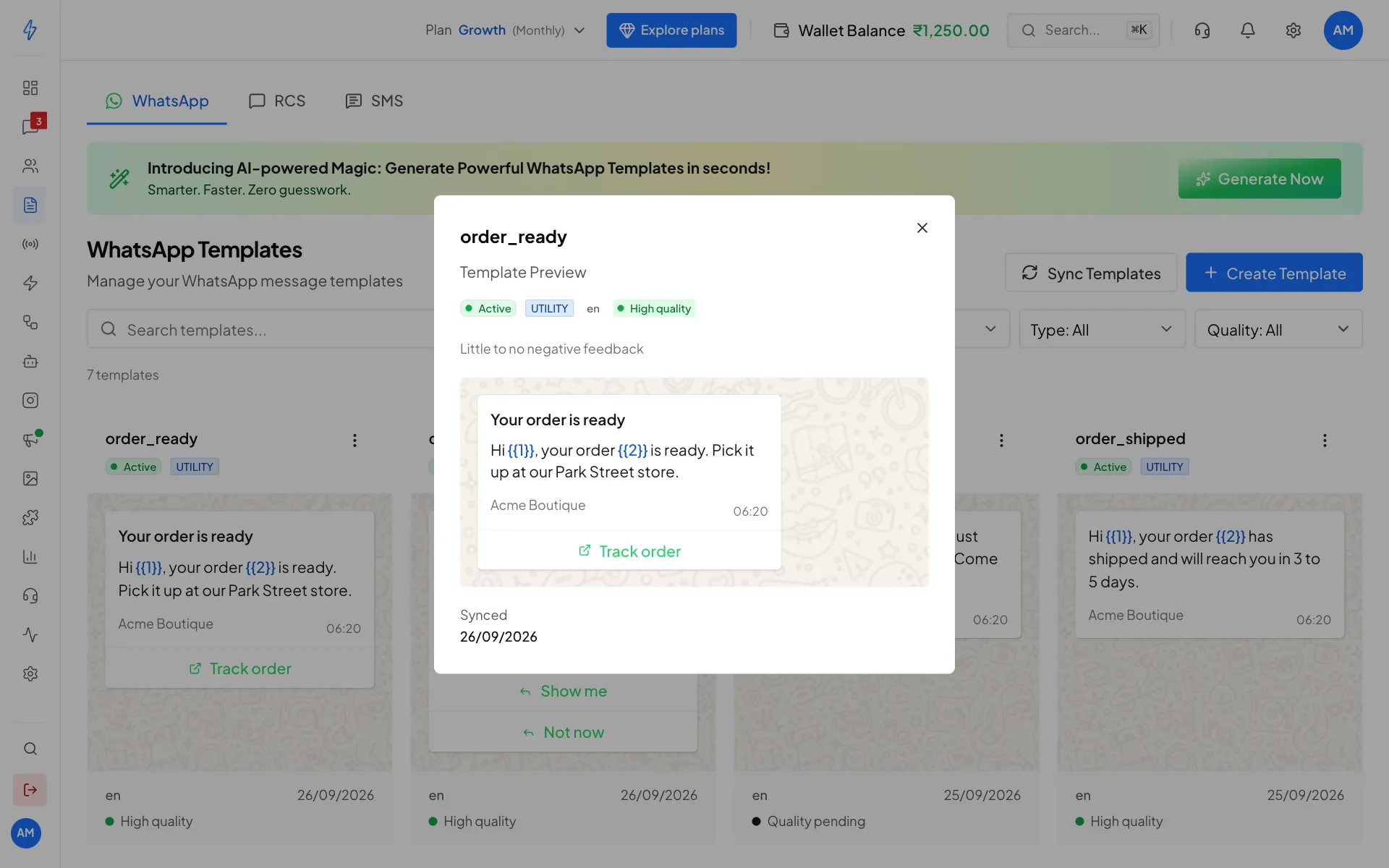
The first link button decides where the tap goes Send the template through the API with a tap target
Add a
tap_target_configurationpart to the template when you send it. The example below is what your developer sends.
Send it through the API
POST /api/v1/app/messages/send-template passes the template object to WhatsApp exactly as you write it. Nothing is removed or changed, so a tap target needs no special setting: include the part and it reaches WhatsApp as written.
{
  "to": "+919876501234",
  "template": {
    "name": "august_promotion",
    "language": { "code": "en" },
    "components": [
      {
        "type": "header",
        "parameters": [
          { "type": "image", "image": { "link": "https://example.com/banner.jpg" } }
        ]
      },
      {
        "type": "body",
        "parameters": [{ "type": "text", "text": "Hello Priya" }]
      },
      {
        "type": "tap_target_configuration",
        "parameters": [
          {
            "type": "tap_target_configuration",
            "tap_target_configuration": [
              { "url": "https://example.com/offer", "title": "Offer Details" }
            ]
          }
        ]
      }
    ]
  }
}Not in the app screens yet
The Send template message box in the inbox and the broadcast steps have no title or link override field, so a tap target can only be sent through the API today. Sending an approved template from the app works as usual. Only the tap target needs the API.