
SMS
Send SMS to your customers in India from the same app, and the same wallet, you use for WhatsApp. Send one SMS to a contact, or a promotional broadcast to your segments and tags. SMS is available on every plan.
Where to find it
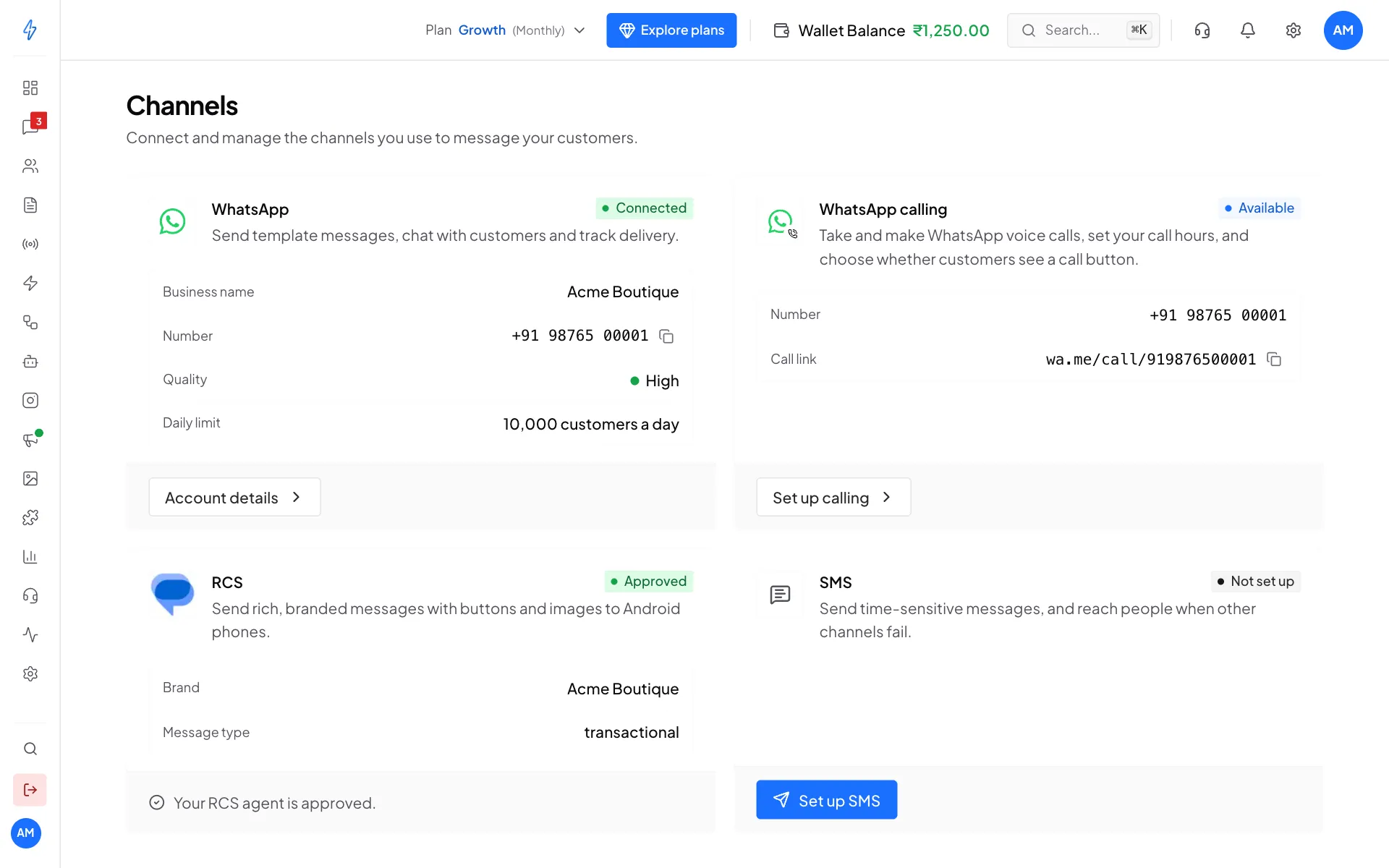
Open Settings (the gear icon in the left sidebar or the top bar) and click Configure Channels. The SMS card is on the Channels page. Until you set it up, it shows Not set up and a Set up SMS button.
India DLT only
In India, every business SMS must be registered on a DLT portal. DLT is the registry the phone companies run. They check each SMS against your registration, and drop any SMS that does not match it.
So SMS in the app works:
- only for Indian mobile numbers
- only with the sender IDs and templates you registered on your own DLT portal
We cannot register on DLT for you. You register once on your portal, then copy the details into the app.
What you need before you start
You can use a registration from any of these DLT portals:
- Jio TrueConnect
- Airtel DLT
- Vi (Vilpower)
- BSNL
- Tata Tele Business
- Videocon (Quadrant)
Sender ID and template types
When you add a sender ID or a template, pick the same type you registered on your portal.
How it works
Set up SMS
On the SMS card, click Set up SMS. Enter your DLT details, add our telemarketer on your DLT portal, and add your sender IDs. See Set up SMS.
Wait for our check
Our team checks your setup. The SMS card turns Active.
Add your templates
Add each DLT template and verify it with one test SMS. See SMS templates.
Send
Send an SMS to one contact, or a broadcast to many. See Send SMS and broadcasts. SMS can also go out as a backup on a WhatsApp broadcast, to customers WhatsApp could not reach. See If WhatsApp fails.
Pay per SMS part
Each SMS part is paid from your wallet. See Pricing and billing.